
Services
Increase productivity of web conferencing. Hold seminars over the web.
Switch to paperless practice. Incorporate business chat.
V-CUBE's impressive line-up of services caters to every business need you can think of.

View all services





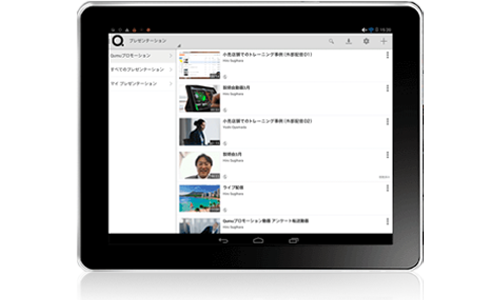

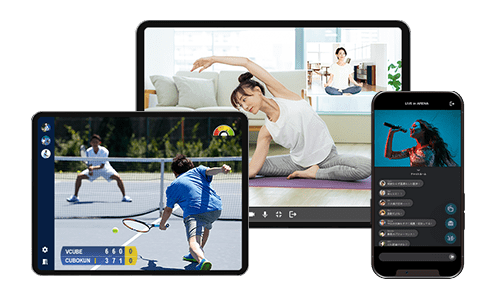

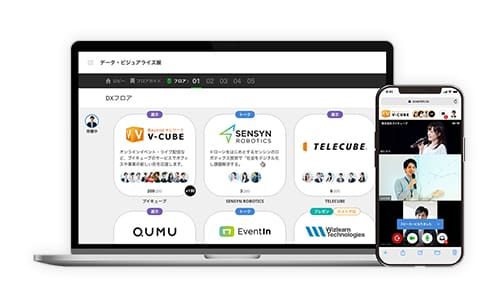
Search by scenes
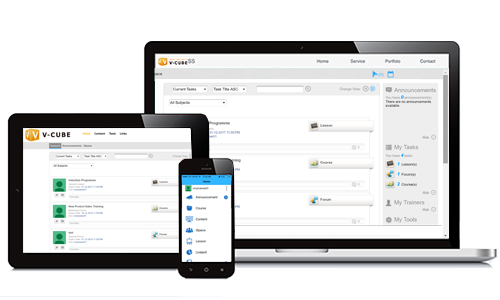
SCENE 01Online Training / Dealer Training
Online Training is a training style that can be taken remotely through a PC or smartphone that incorporates LMS, Webinar/Web Conference, etc.
Even if the learner cannot attend the group training because of busy with their daily work, they can take online training through a PC/ smartphone/tablet when they can take time outside the working hours.

SCENE 02Online Discussion
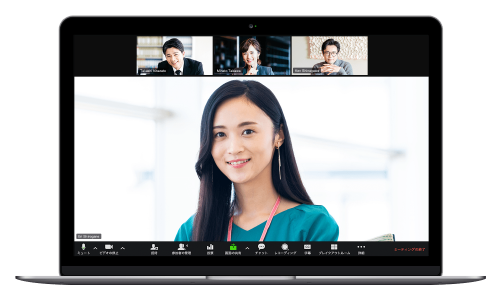
Online Discussion is a sales method that uses ICT tools (communication tools) to promote online sales and business negotiations without having to meet customers directly.
Since there is no need to move to the customer’s location, it is possible to conduct business discussion even when both the sales side and the customer, or either of them work from home.

SCENE 03Online Interview
Online interviewing is one of the hiring methods for interviewing job seekers using a PC or smartphone.
Interviews can be conducted even if the distance is long, which leads to reduction of travel time and transportation costs for job seekers, and it is also possible for companies to approach people who have difficulty in local areas and time.

SCENE 04Online AGM
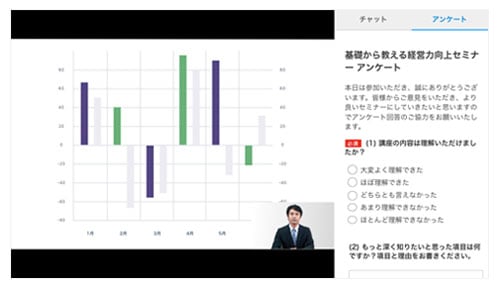
In recent years, online shareholders' meetings have been attracting attention, where AGM, which used to be held onsite until now, is being replaced by online meetings.
In Japan, the current law does not allow complete online AGM, but hybrid online AGM, which is held halfway with on-site, has already begun to show cases.
AGM: Annual Gathering Meeting

SCENE 05Online Medical Treatment
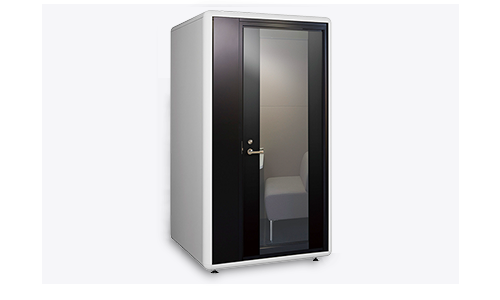
Online medical care is a service that allows doctors and patients to communicate remotely and diagnose
online.
It has the following advantages.
- Waiting time for reception and accounting is shortened.
- Consultation is available at home or on the go.
- No risk of nosocomial or secondary infections.

SCENE 06Online Communication
Online drinking parties are one of the most popular communication methods in recent years, and they are used to activate communication between employees and acquaintances by having a drink and talking while having a video call.

How to subscribe
-
step1
Search for your desired service.
Select the ones that fit your objectives and industry.
-
step2
Internal consideration
View our introductory webinars for this very purpose.
-
step3
Quotation & estimation talks
We have staff dedicated full-time for detailed discussions.
-
step4
Contract signing
Worry-free setup process. Operational assistance available.